Agent tools
Day-by-day plans that flow
Build each day with attractions, dining, breaks, and shows. Drag to reorder, zoom out to a week view, and keep every moment in rhythm so the trip feels effortless on the ground.
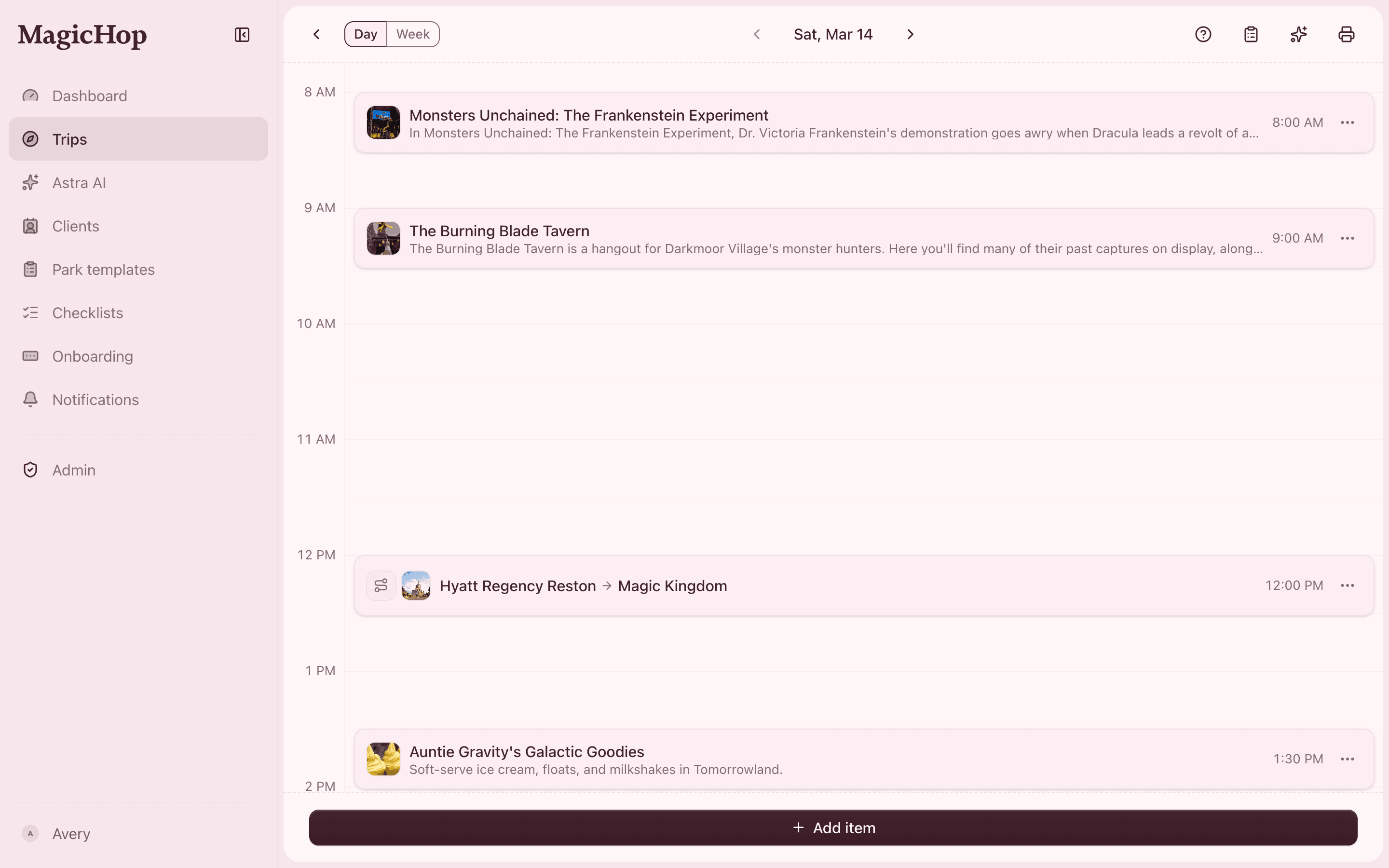
Itinerary builder
A schedule you can shape by hand
Drag-and-drop every item into place, then nudge the order as plans change. Attractions, dining, breaks, and entertainment all live on one timeline, so nothing gets lost between apps.
- Drag-and-drop schedule for every day
- Attractions, dining, breaks, and shows in one timeline
- Reorder in seconds when plans shift
Itinerary builder
See the whole trip at a glance
Zoom out to a week view to balance the pace across days — no two back-to-back early mornings, a rest day where it counts, and the big moments spaced just right.
- Week view to balance the whole trip
- Spot pacing problems before the client feels them
- Keep long days and rest days in healthy rhythm
See Itinerary builder in action
Real, narrated walkthroughs — recorded right inside the product.
Questions, answered
- What software do Disney travel agents use to build itineraries?
- Many agents stitch together spreadsheets, docs, and PDF makers. MagicHop replaces that stack with a purpose-built itinerary builder: drag-and-drop days, attractions and dining on one timeline, live wait times, and a polished trip view your clients can open any time.
- Can my clients see the itinerary?
- Yes — invite travelers to a live, always-current view of their trip, so you never email stale PDFs. At handoff you can also generate a print-ready trip book.
- Can I reuse an itinerary for another client?
- Yes. Save your best park days as reusable templates and drop them into any new trip, then tailor the details per client.